A trade show, a shoot, a meeting with a brand. You talk about your work, and the person in front of you wants to see it. Spelling out a profile name takes time, gets lost in the noise or comes out misspelled, and the person cannot find your profile afterwards.
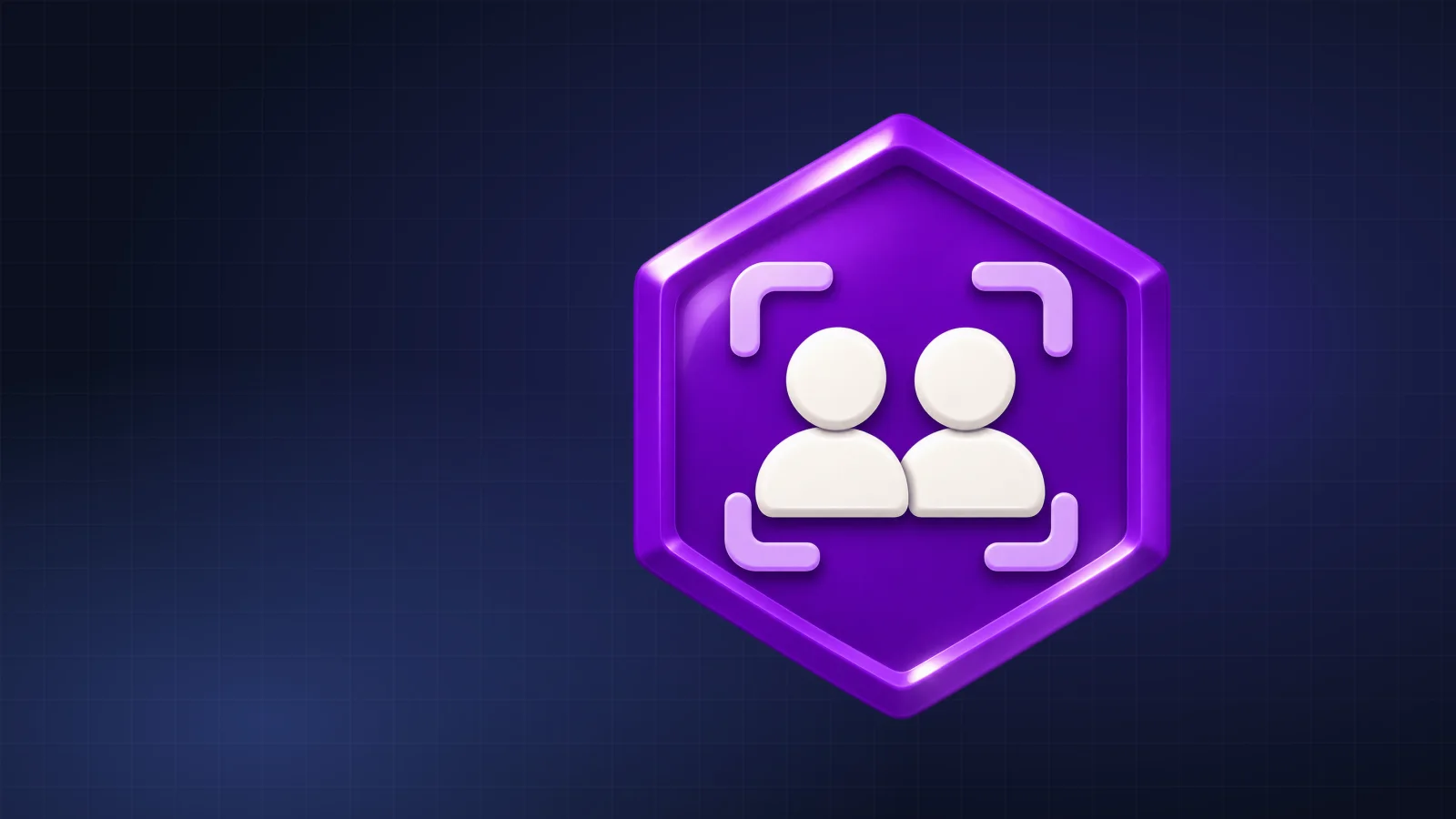
Your AVYOR profile’s QR code opens your profile with a single scan. It is in the profile menu, then My QR code, and three different people scanning it unlock the rare Great encounter badge.
Where to find your QR code
#Open your profile in the app.
Open the profile menu, then My QR code.
Show the screen to the person in front of you: they scan it with their phone’s camera, with no extra app.
The same window also lets you copy your profile link or share it, when you are not in the same place or when the person prefers to keep the link for later.
What the QR code opens
#The QR code holds the address of your profile on avyor.app. For someone who has the app, it opens your profile directly in AVYOR. For someone who does not have it yet, it opens a web page that presents AVYOR and offers to install it: the site shows no data from your profile; it has no access to it.
The person scanning | What they see | What counts for you |
|---|---|---|
Has the app and is signed in | Your profile, in AVYOR | They count for Great encounter, once |
Has the app but is signed out | Your profile, in AVYOR | Nothing until they are signed in |
Does not have the app | A web page presenting AVYOR | Nothing until they open your profile signed in |
Is you | Your own profile | Nothing: your own visits do not count |
The QR code holds nothing but your profile’s address: no password, and nothing more than what your profile already shows. Scanning it gives no access to your account.
The Great encounter badge
#Great encounter is a rare badge. It arrives when three different people have scanned your QR code. Each person counts only once, even if they scan it several times, and your own scans do not count. Its neighbour, Word of mouth, counts the people who discover your profile or content through a link you shared.
When to prefer the link
#The QR code is for when you are face to face. At a distance, your profile link does the same job: copy it from the same window, then send it in a message. People who open it from your link count towards another rare badge, Word of mouth, with the same rule: three different people, signed in, and your own visits excluded.
To see where you stand, open My journey, then Badges, and the Great encounter card: it repeats the exact condition. Until the badge is earned, its medallion stays locked, with the diamond of rare badges.
In AVYOR
#The QR code and the sharing badges are described on the Great encounter page, and the full programme on the Referral page. To create your profile, install the app on iOS or Android.